
Are you struggling with your website ranking and wondering why is my website not showing on Google? There may be some possible reasons such as
- Google has not found your website
- Something is preventing it from crawling or indexing your pages
- Google has crawled your pages but has not added them to its index
- Your website ranks too low to appear where people can find it.
But I would suggest that, before changing anything, you do two quick checks:
- Search site:yourdomain.com on Google
- Inspect your homepage using Google Search Console.
These checks will help you to understand better what’s happening. Today, we will explain 8 common reasons behind the problem and show you how to fix each one using practical steps and free SEO tools.
Identify Your Problem:
You need to do these three steps before fixing things on your website:
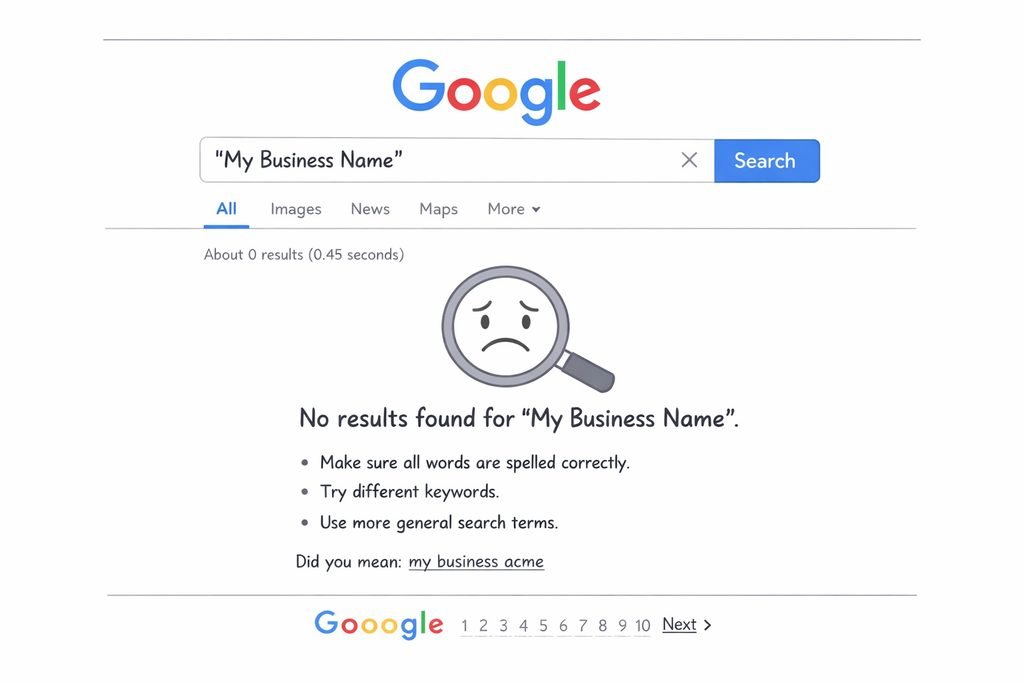
- Google site search: First you need to go to the Google search bar and type ‘site:yourdomain.com.’ If Google shows no results that means Google has not indexed your site yet. If Google shows few results that means only some pages are indexed.
- Search Console URL inspection: Next, you need to open Google Search Console paste your homepage URL into the bar at the top, and read the verdict. If it shows “URL is on Google” that’s good news. If it shows “URL is not on Google,” it shows some reasons such as noindex tag or robots.txt block.
- Search your business name: If you have business website, search for your exact business name on Google. If your website appears but not when you search for your services, it means your website may already be indexed. The problem is keyword targeting, irrelevant content, competition and ranking.
How Google Decides What to Rank?
Before knowing reason why my website is not showing on Google, you need to understand how Google processes web pages. So Google search works through three main stages:
| Crawling | Indexing | Ranking |
| Googlebot crawls your website and finds useful, relevant content, images, and other resources from your website. | In this stage, Google analyzes web pages of your website, understands its content and decides where to store it in its search index. | When user searches for some information related to your website, Google selects and orders relevant indexed pages based on its ranking systems. |
| Fail because of robots.txt, server errors, and no links | Fail because of noindex, thin and duplicate content | Fail because of weak match, weak authority. |
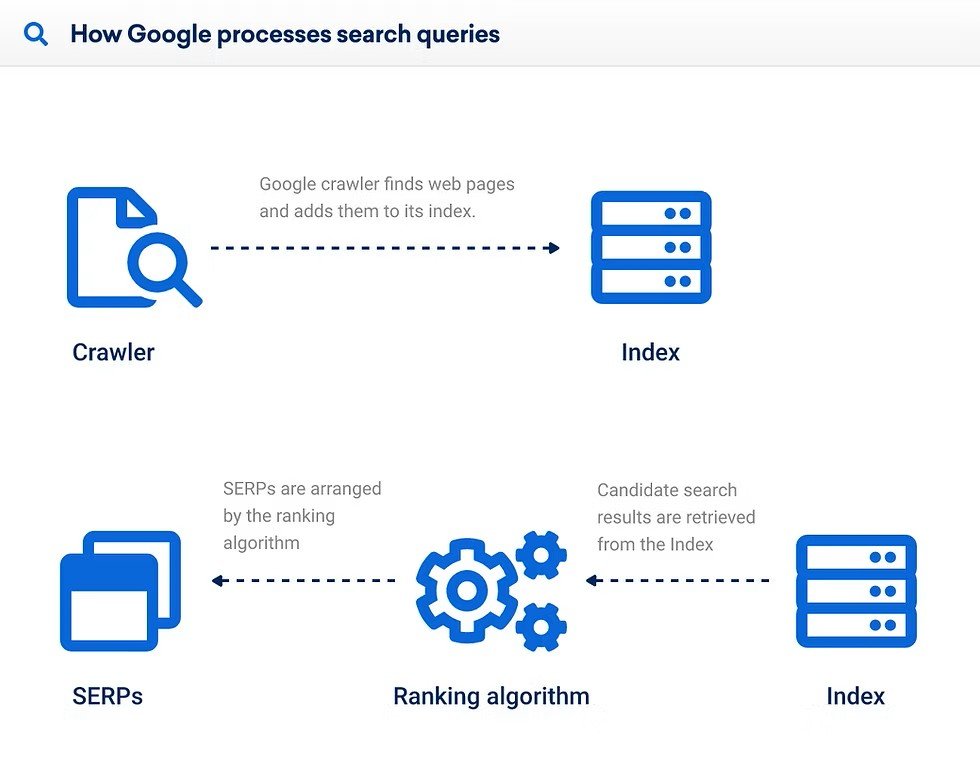
All these three stages work together but that does not mean they are same thing. Your website can be crawled without being indexed and indexed pages can rank too low to attract visitors.
Why My Website Is Not Showing on Google? (8 Reasons + Fixes)
Now come to most important section of the article and look at these common reasons for you website is not showing on Google.
1. Is Your Website Too New for Google
If you have recently launched your website then Google takes time to find your website. Because new website has few internal links, external links and no established crawling history.
How to check:
- Go to Google search bar and type ‘site:yourdomain.com.’
- Then go to Google Search Console and select Indexing > Pages.
- Now check that your important URLs are indexed.
- Use URL Inspection to check your homepage.
How to fix:
- Get your website verified in Google Search Console through the valid domain or URL-prefix property.
- Create an XML sitemap which can generally be accessed at yourdomain.com/sitemap.xml.
- Go to Indexing > Sitemaps in Search Console and enter your sitemap URL.
- Inspect your home page and other important service pages and make indexing requests where necessary.
- Acquire some relevant links from authentic, stable websites such as business directories, industry associations and partner websites.
2. Is Your robots.txt Blocking Google
A robots.txt file can block Googlebot from your whole website with one line. It mostly occurs after launching website by developer because they forget to change settings that they used on testing version.
How to check:
- Go to your browser and type yourdomain.com/robots.txt
- You will find user agent * followed by Disallow: /
- Then in Search Console, go to Indexing > Pages and look for ‘Blocked by robots.txt.’
How to fix:
Only allow important pages of your website and disallow pages that are unnecessary such as Disallow: /wp-admin/. Save your file and reload /robots.txt to confirm your change is live.
3. Is Noindex Tag Preventing Google From Indexing Your Pages
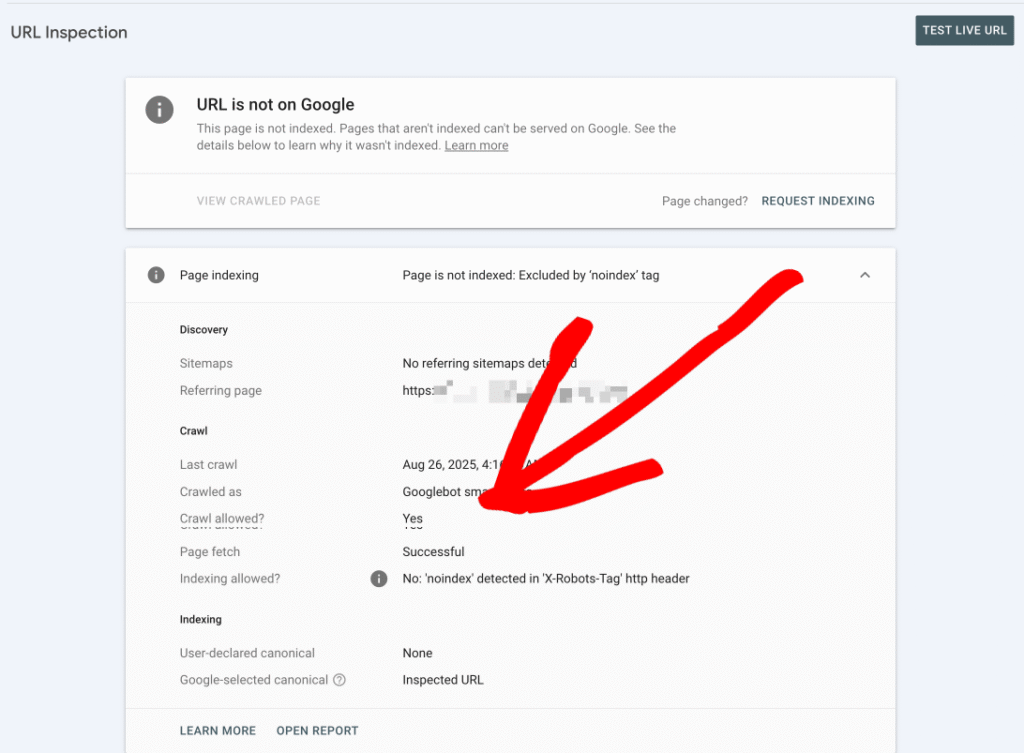
Sometimes Google finds your page but it’s specifically instructed not to show in search results. This could happen because of noindex tag. SEO plugin you used can add it without you noticing. One checkbox in WordPress can hide your entire site.
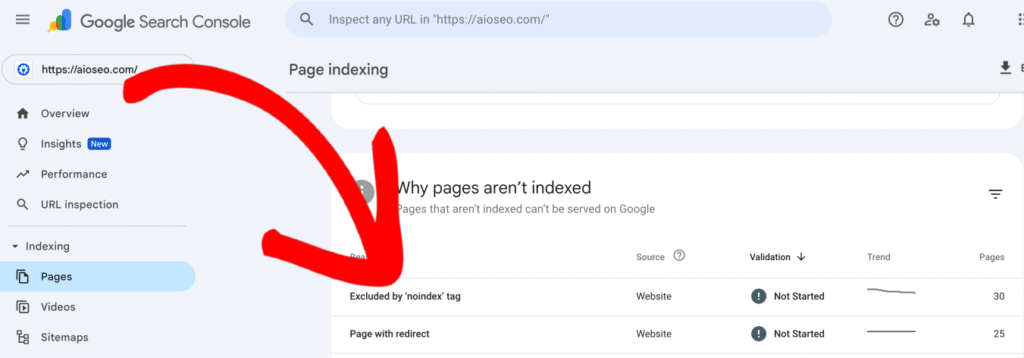
How to check:
Right click on your web page, select View Page Source, and check for noindex.
How to fix:
- In WordPress, go to Settings > Reading and uncheck the ‘Discourage search engines from indexing this site’ option.
2. Open page in Yoast or Rank Math and set it to allow search engines to retrieve it under the advanced settings.
3. Check your theme, plugins, and server for X-Robots-Tag: noindex header if tag keeps coming back.
4. Submit the fixed page for indexing.
4. Technical SEO Errors
Your website pages have technical problems that affect Google ability to crawl. Some common technical issues include:
- Server error
- Broken pages
- Login restrictions
- Javascript problem
- Wrong canonical tags
- Orphan pages
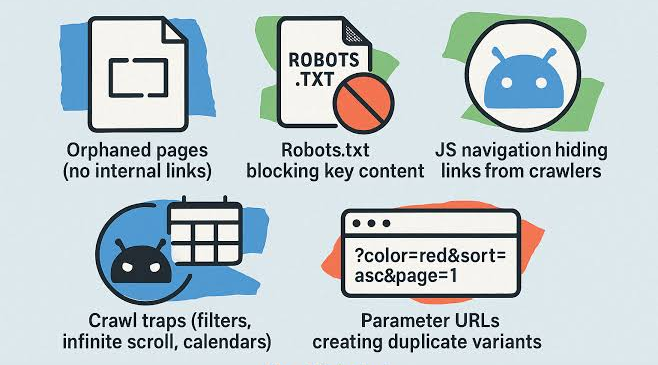
How to check:
- Open Google Search Console
- Go to Indexing > Pages and see why URLs may have ended up in the excluded category.
- Use URL Inspection on an affected page.
- Click on Test Live URL to find out if Google is able to access this particular page.
- Crawl the website with Screaming Frog SEO Spider for any broken links, any redirects, canonical errors and any orphan URLs.
How to fix:
- Fix server problems as well as ensure that important pages return successful HTTP 200 responses.
- Replace broken internal links with working links.
- Verify canonical tags and confirm the existence of correct preferred URL for each of the important pages.
- Make sure to insert internal links to the important pages, and Google should access content that does not require login.
5. Has Google Crawled Your Page but Chosen Not to Index It
Mostly you have seen ‘Crawled but not indexed’ on Google Search Console. That means Google discovered your page but they decided not to index it. Google makes that decision when page offers duplicate and not useful content for user searches.
How to fix:
- Provide relevant and useful information on your page that is not available elsewhere.
- Improve your thin content with more relevant information, examples, and original searches that fulfill user search intent.
- Delete those pages that are no longer useful for your website.
- Link all your important pages to your home page.
6. Does Your Website Rank Too Low in Search Results
Google has indexed your website but it ranks too low on Google search results when users search for that information. You need to compete with established, high authority websites that already rank on top. Also you need to understand your website keyword ranking.
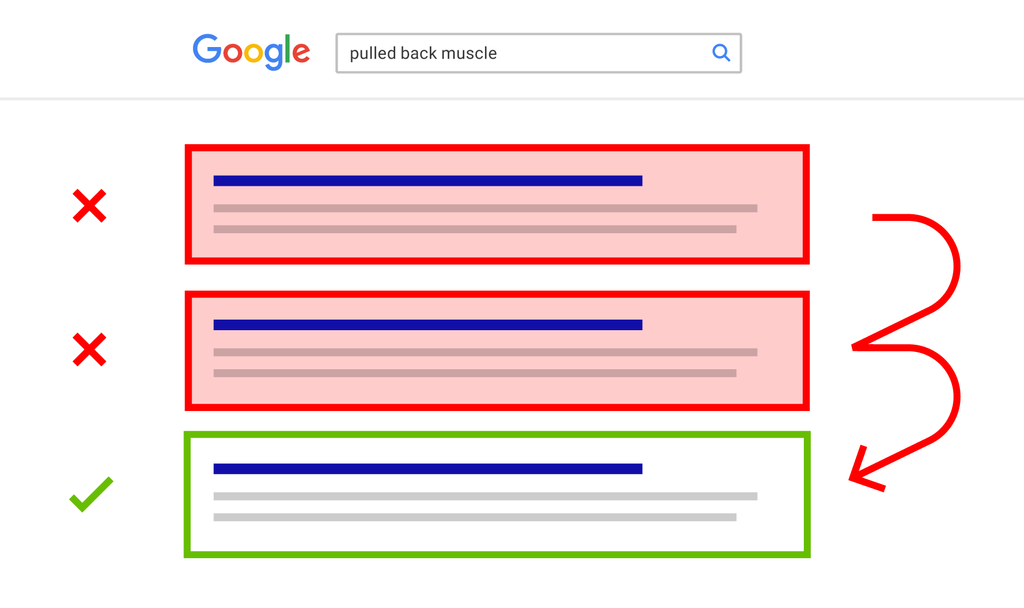
How to check:
- Open Google Search Console
- Go to Performance and choose the Search results option
- Then select all, clicks, impressions, average CTR, and average position.
- Go to Queries, now see what search terms had impressions and what positions your site is in.
Focus on keywords that generated impressions but not many clicks. These could be your chances for improvement.
How to fix:
- Target only those keywords that match your product, services, and audiences.
- Focus on long tail keywords to target user search intent.
- Write proper page titles and headings that clearly show what your page is about.
- Create quality backlinks from trusted websites and relevant internal links.
7. Lack of Authority and Trust
Google verifies pages that are useful and relevant to searchers. Google appears to prefer brands with the higher trust signals like links from external sources, i.e., established authors and customer reviews.
How to fix:
- Find out websites, publishing companies and industry websites that are linked to your business.
- Write helpful resources, case studies, researches and original content that can be cited by other websites.
- Establish authentic backlinks by means of actual partnerships, digital PR and contributions in the industry.
- Provide clear author information, information about your company, contact information and real testimonials from clients.
- Ensure your website is accurate and you are using real cases and examples.
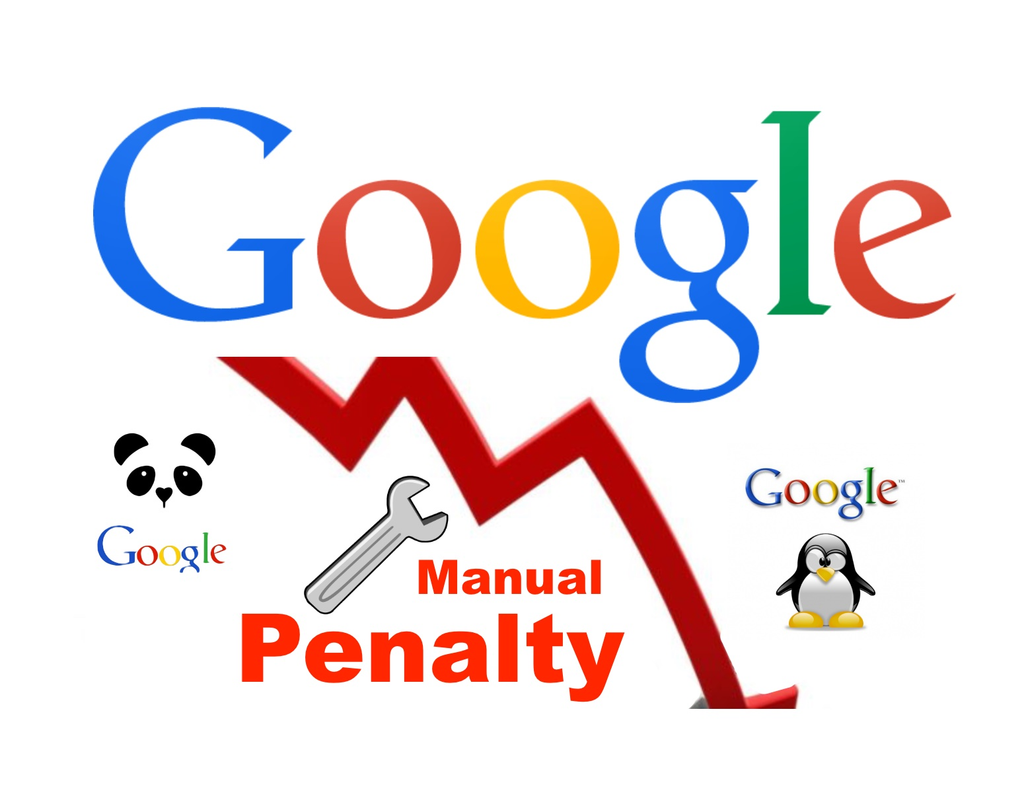
8. Website Affected by Google Penalty
If your website traffic suddenly drops, you need to identify the reason. It may be:
How to fix:
1. In the case of manual action, correct the issues specified by Google, and press Request review.
2. In the case of hacking issues, update your CMS and plugins, change your passwords, and restore your clean backup.
3. Remove the injected pages from your website and ask for review in the security issues report.
Also Read: How to Rank Website on Google First Page (Complete SEO Blueprint)
Is your website missing AI answers too?
Still thinking about why your website does not appear on Google then check AI search as well. Google states that in order for a page to be included with a snippet, it must be indexed. Fixing the first five reasons should also help with that. Then check for the following.
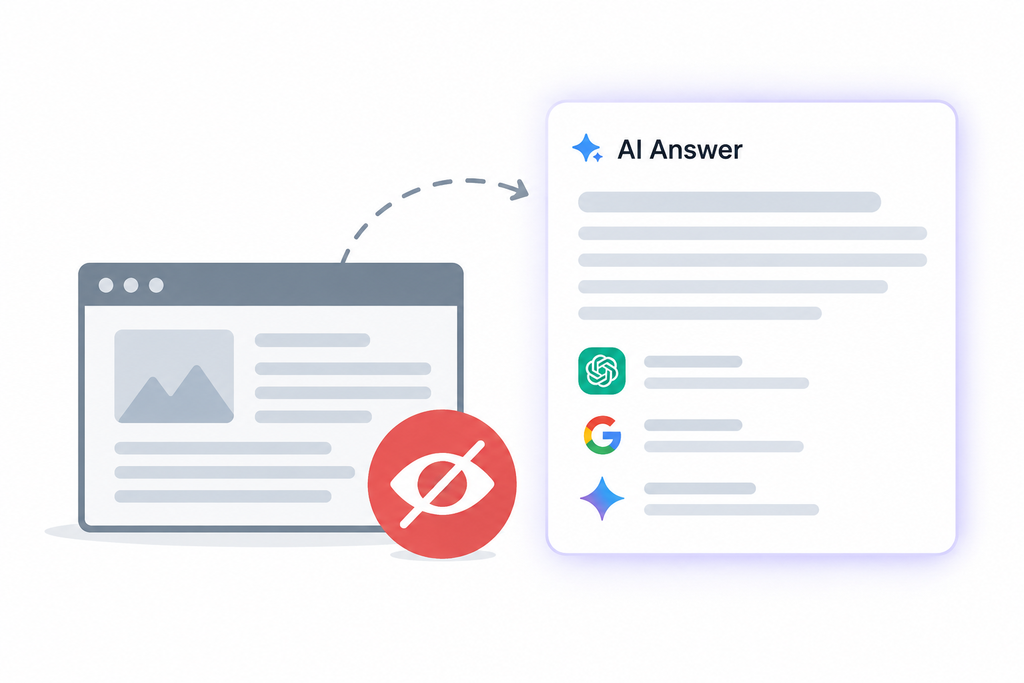
- Check robots.txt for AI crawlers: As you know AI search engine optimization is very important for websites. For ChatGPT technology, OpenAI uses OAI-SearchBot and GPTBot for content collection. Each can be blocked independently. If you choose to block OAI-SearchBot, your site will not be displayed by ChatGPT.
- Google Extended indicates whether Google can use your content for Gemini which is not applicable to the Google search engine.
- PerplexityBot behaves the same way in relation to Perplexity. Do not forget to configure every robot accordingly.
- Check Bing: As per the research done by Seer Interactive which analyzed 500 citations, 87% of those matched what Bing showed in the search results. This means that we still need to handle that topic. Bing’s webmaster tools are free and easy to use, so definitely submit your site.
- Don’t take it for granted that a top-10 position ensures citations: Ahrefs has found that the percentage of AI Overview citations from Google’s top 10 has dropped from 76% in July 2025 to 38% in March 2026. BrightEdge calculated about 17%. The studies use different research methods, so take the numbers as a trend, not as a rule.
- Properly structure your content: You should start all sections of your web page with direct answer, use question headers, create tables for comparison and number your authors because structured content AI system understands better.
Free Tool to Check Why Your Website Is Not Showing on Google
Thinking about why my website is not showing on Google and you want to check with free tools, here is list of useful free tools:
- Google Search Console: Google Search Console should be your first tool when you need to check why your website is not showing on Google. You can use it to:
- Check every single web page of your website is indexed
- Find out indexing and crawling issues of your website.
- Submit XML sitemaps.
- Request indexing for pages that are not indexed
- Track record of clicks, impressions, CTR and average position.
- Check manual actions and security issues.
- Google PageSpeed Insights: Website speed optimization is very important ranking factor for website. With the help of PageSpeed Insights, you can understand how your website performs on mobile and desktop. It shows why your website speed is slow such as oversized images, unnecessary JavaScript, and slow server responses.
- Google Rich Result: This free tool helps you verify that your structured data is valid and eligible for rich results.
- Screaming Frog: This tool helps you to find technical SEO issues on your website. You can crawl 500 URLs for free.
- Google Search: One of simplest and fastest ways to check indexing of your web pages. You can try searches such as:
- site:yourdomain.com to check pages from your website appear.
- “your business name” to check brand presence.
- site:yourdomain.com “your target keyword” to find pages containing particular phrase.
- Google Analytics 4: GA4 helps you to track organic traffic so you can see when drop began and which pages lost visits.
To check organic search traffic you need to open Reports > Acquisition > Traffic acquisition and review session default channel group.
Final Thoughts
Asking why my website is not showing on Google is right first step. The answer can differ from site to site hence it is pertinent to understand the problem before you start changing titles, rewriting pages, or purchasing links for your website. The first thing you should do is
- Run two minute check in Google Search Console.
- The next step is looking at the Pages report and correcting all that it finds incorrect.
- Technical SEO fixes will ensure that Google indexes your website.
- Then next step is applying content fixes to make your website worthy of indexing. After the ranking work which includes long tail targeting and link building, your site becomes visible to users and search engines alike.
Are you in need of SEO site audit expert for your website? Edible WebTech has dedicated team whose mission is to understand your technical setup and indexing issues and come up with the fixes you need in prioritized list. Reach out to our SEO team today.
