
Connecting with your audience is most effective way to grow your business. In 2026. If your messages are not seen by your target audience, it’s waste of time and effort. Now customers want instant responses, convenience, and everything on their own terms. Here WhatsApp marketing automation plays major role.
WhatsApp marketing automation is use of software, CRM integrations, APIs, workflows and chatbots to automate customer message responses, lead follow ups, sales messages and support tasks on WhatsApp. Mostly businesses use WhatsApp to manually reply to their customer queries. It only works when you get ten messages in a day but if you get same query fifty times and you reply with same answer to different customers, it’s difficult and you cannot manage it properly. WhatsApp marketing automation makes this task convenient and fast. This article is written for founders, sales teams, and marketing managers who can scale their business without hiring five more agents. You will learn about:
- What is WhatsApp Marketing Automation?
- How Does WhatsApp Marketing Automation Work?
- WhatsApp Marketing vs WhatsApp Marketing Automation
- WhatsApp Business App vs WhatsApp Business Platform
- What Can You Automate on WhatsApp?
- How to Set Up WhatsApp Marketing Automation?
- FAQs
What Exactly Is WhatsApp Marketing Automation?
WhatsApp marketing automation is using automation software to handle WhatsApp messages automatically based on customer queries. Instead of requesting your employees to reply to every query of customers, sending follow-ups and updating orders manually, you set up an automated workflow that determines what action has to be taken next.
For example, suppose student fills out course inquiry form on your website. Then your workflow will be like this:
Lead submits form → WhatsApp message sent → Lead answers questions → Lead is qualified → CRM is updated → Sales counsellor receives the lead
This automation can handle predictable steps and salesperson can focus on conversions that actually need human attention.
How Does WhatsApp Marketing Automation Work?
Every automated workflow follows simple path. It starts with trigger event, then chatbot respond decided what to send to customer query, then customer responds back to chatbot, and system records everything that happened.
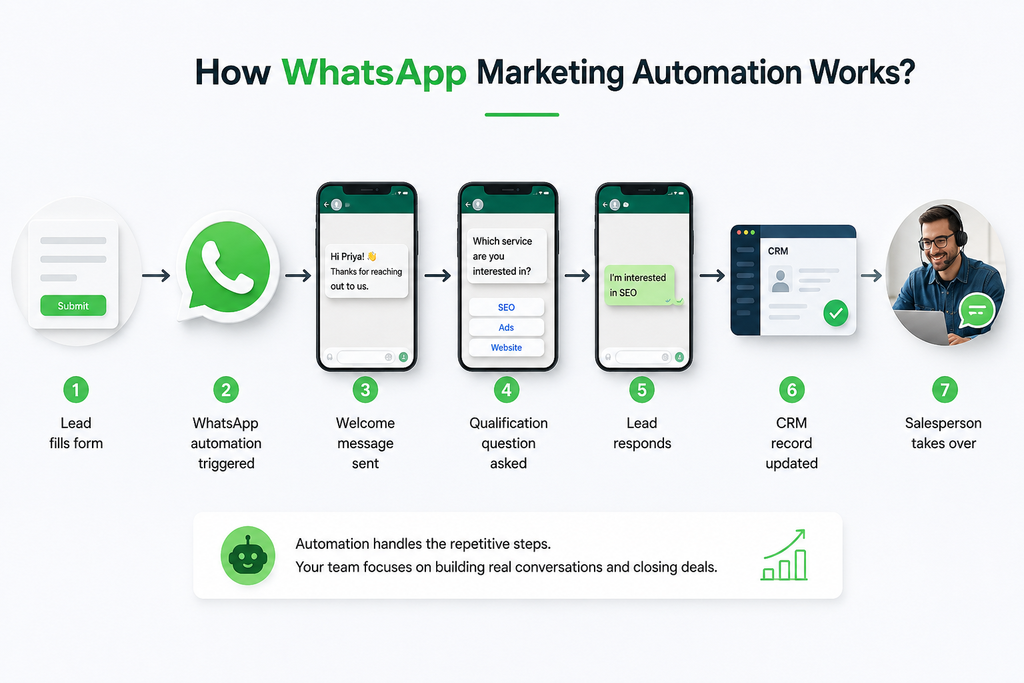
| Lead fills form ↓ WhatsApp automation triggered ↓ Welcome message sent ↓ Qualification question asked ↓ Lead responds ↓ CRM record updated ↓ Salesperson takes over |
The trigger can be submission form, appointment booking, purchase, customer reply or anything else supported by your software. One thing you need to understand is that automation does not mean that chatbot handles every conversion. The best automation workflow is to understand when to continue automatically and when to pass conversion to salesperson.
WhatsApp Marketing vs. WhatsApp Marketing Automation
WhatsApp marketing and WhatsApp marketing automation seem similar but both solve different parts of customer journey. Let’s clarify difference between WhatsApp marketing and WhatsApp marketing automation:
| Dimension | WhatsApp Marketing | WhatsApp Marketing Automation |
| Main Purpose | WhatsApp marketing is used to manually send updates, promotional campaigns, and announcements. | WhatsApp marketing automation uses tools to handle customer queries through chatbots without manual effort. |
| Execution Style | Marketers plan, write, and send messages to customers manually. | Messages are sent automatically through chatbot according to customer queries and actions. |
| Message Type | Messages are sent in broadcast style, same message is delivered to everyone such as promotions and offer messages. | Personalized messages are sent to customers according to their queries. |
| Customer Experience | This is one way communication and less interactive. | This is two way communication and customer interacted with chatbot which is available 24/7 |
| Best Use Cases | Product launch Limited time offer Brand awareness campaigns | Appointment reminders Automatic order confirmation Customer FAQs |
| Scalability | There is limited scalability because every new campaign requires manual effort. | There is high scalability because once workflows are set, they run automatically for thousands of customers. |
Which approach is better for your business?
In most situations, you don’t have to pick one option.
Your WhatsApp marketing strategy can create campaigns that attract and retain customers while automation does routine work related to the campaign.
Consider it this way:
Marketing takes care of bringing customers into the conversation, automation does the job of keeping the conversation moving forward.
If your business gets only few asks each week, you may manage with manual conversations. But if you have hundreds of asks and need timely reminders, automation will save your day.
WhatsApp Business App vs WhatsApp Business Platform
Most people confuse WhatsApp Business with WhatsApp Platform. Both are designed for different purposes. So before you automate WhatsApp, you need to understand which WhatsApp product is right fit for your business.
WhatsApp Business App
If you are small business owner or running local store, WhatsApp Business App is enough for you. With this, your small team can manage personal messages easily. It includes business features such as greeting messages, catalogs, away messages and other tools.
Let’s take example:
According to the help documents from WhatsApp, companies can create greeting texts that are triggered when consumers send them their first messages and when they do send them messages only after long periods of inactivity.
Thus, the application can manage easy types of WhatsApp Business automation without the necessity of deploying the full API system.
WhatsApp Business Platform
When it comes to using tool for automatic customer communication, WhatsApp Business Platform is perfect choice for businesses.
It has the ability to integrate conversations taking place on WhatsApp with business apps such as CRM software, marketing solutions and customer service solutions. According to the information in Meta’s Cloud API documentation, the API defines ways for mid- and large-size businesses to connect with their clients on greater level as well as to integrate WhatsApp with the backend part of their applications.
At this point, it is worth mentioning the significance of WhatsApp Business API.
You can make use of solution based on API in order to initiate messages using following events that can occur:
- Introduction of a new lead
- Customer’s order
- Booking an appointment
- Cart abandonment
- Payment confirmation
- Request for support
- Change of the status in CRM
Also Read: Shopify vs WordPress: Which Platform Is Right for Your Business in 2026
What Can You Automate on WhatsApp?
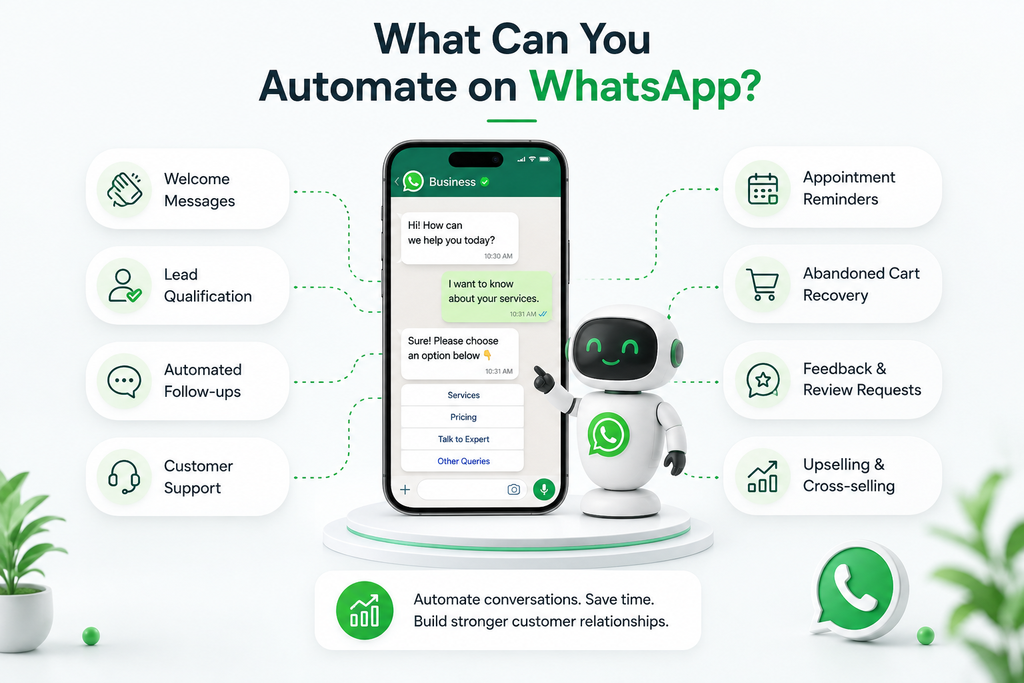
WhatsApp automation becomes useful in everyday business operations. Especially when you need to respond to repetitive actions.
1. Welcome Messages
| Trigger | New enquiry comes in. |
| Action | Send instant welcome message |
| Goal | Acknowledge enquiry and start your conversation. |
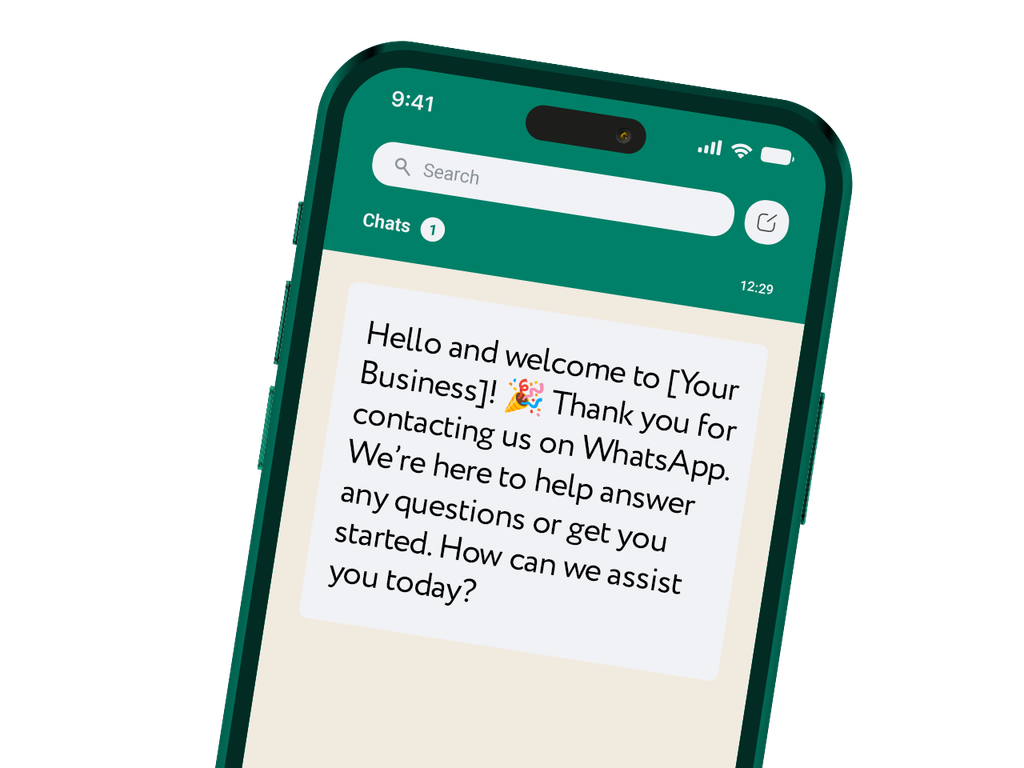
You don’t need to manually send respond to every new query, you can automate your welcome message. For example if your business is about digital marketing services, you can automate like
Hi, priya thanks for inquiring about digital marketing services. Which services are you interested in?
2. Lead Qualification
| Trigger | New lead |
| Action | Ask predefined questions |
| Goal | Understand lead is worth immediate sales attention. |
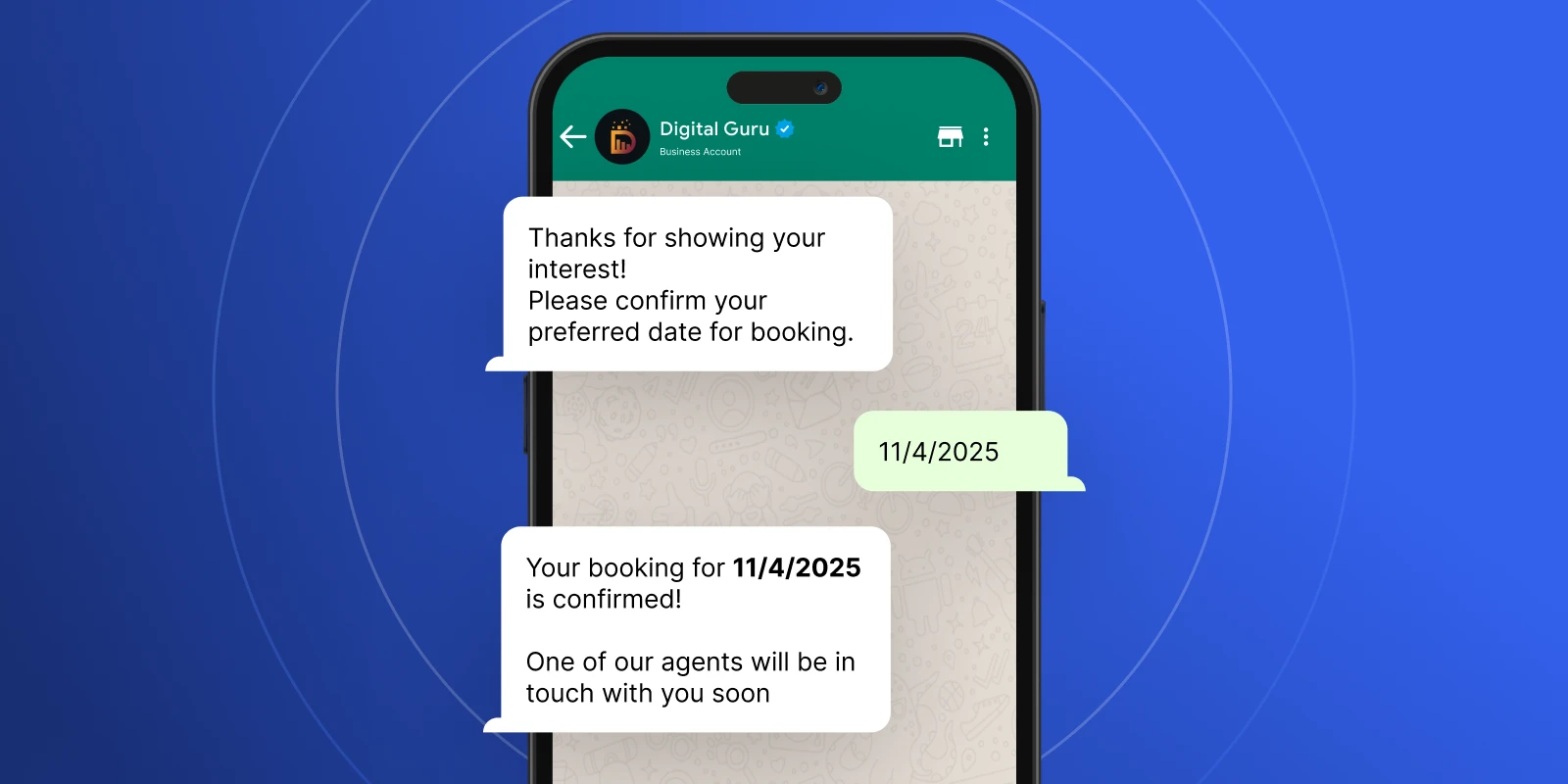
Your WhatsApp chatbot can ask:
- What service are you interested in?
- Which city are you located in?
- What’s your approximate budget?
- When do you want to get started?
- Would you like a call from our team?
Answers received by customers are saved into CRM which is used to prioritize leads.
3. Automated Sales Follow-ups
| Trigger | Lead has not converted |
| Action | Ask follow-up questions |
| Goal | Keep opportunities to convert active leads |
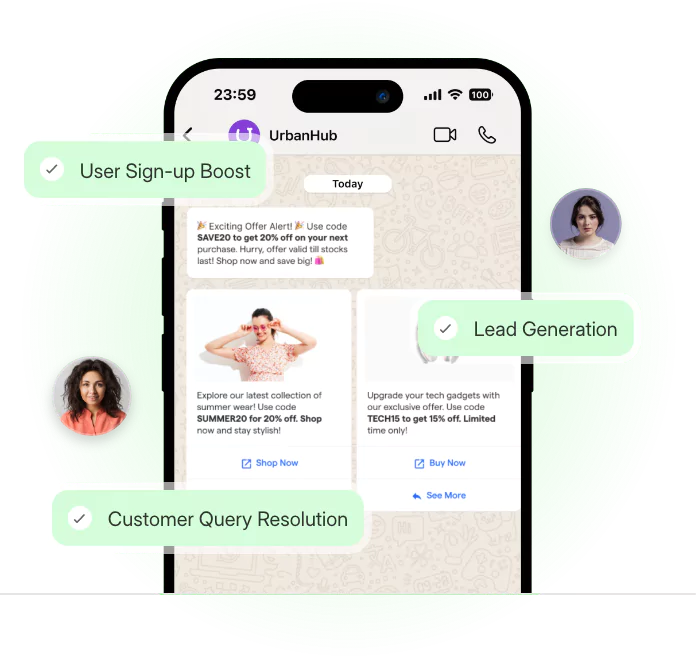
Follow this workflow to follow up:
Welcome message → Helpful information → Product details → FAQ → Purchase CTA
4. Customer Support
WhatsApp customer support automation handles repetitive questions your team answers all day. Your WhatsApp chatbot can answer repetitive questions about:
- Pricing
- Business hours
- Order status
- Product availability
- Service areas
- Delivery information
- Booking instructions
- Basic troubleshooting
- FAQs
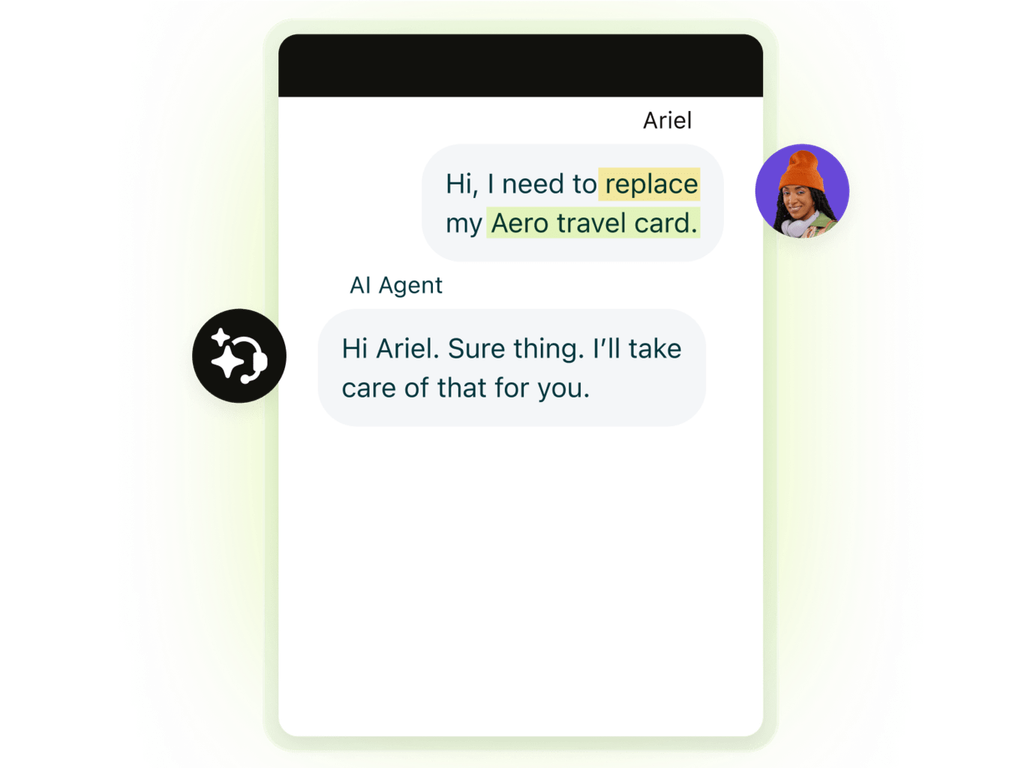
This is helpful for your business to respond to your customer queries instantly without waiting for agent to respond manually.
5. Appointment Reminders
| Trigger | Appointment booked |
| Action | Send confirmation and reminder |
| Goal | Keep customers informed and reduce missed appointments. |
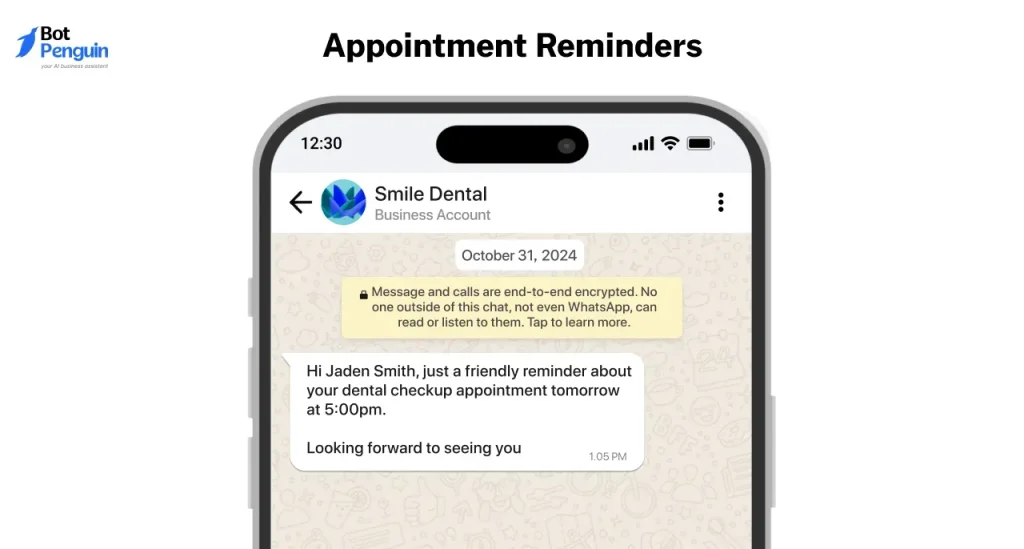
This WhatsApp automation is useful for salons, clinics, education institutes, fitness businesses, and professional services.
6. Abandoned Cart Recovery
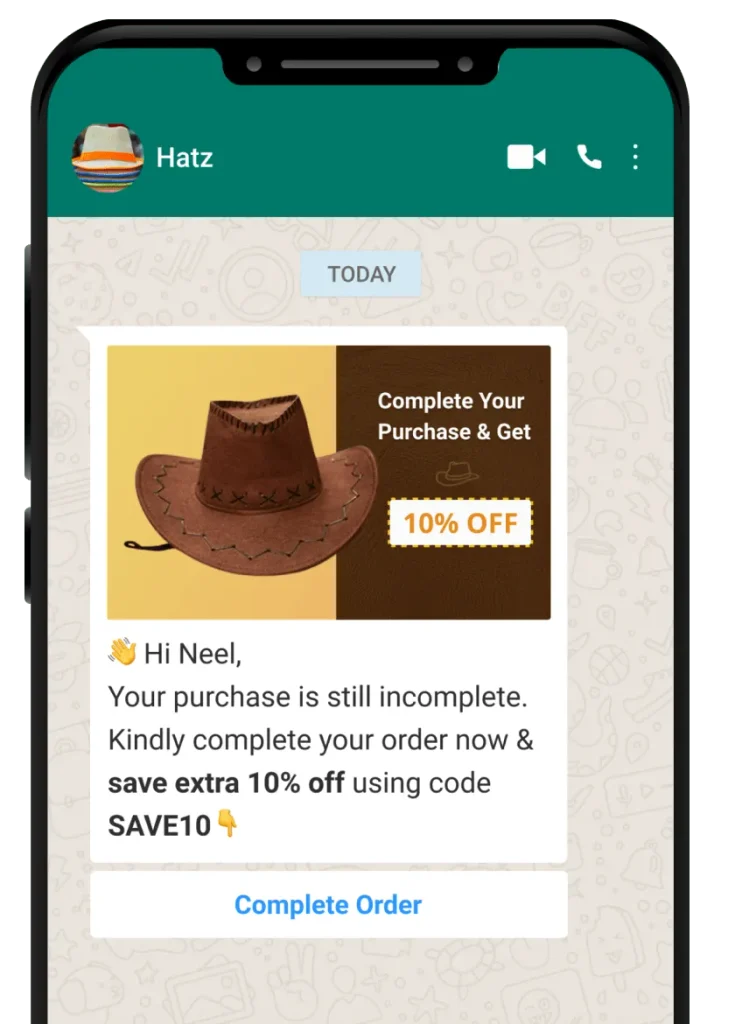
This automation helps your business when your customer added product to cart and cannot complete purchase. This message helps to get customer back to checkout page.
7. Feedback and Review Request
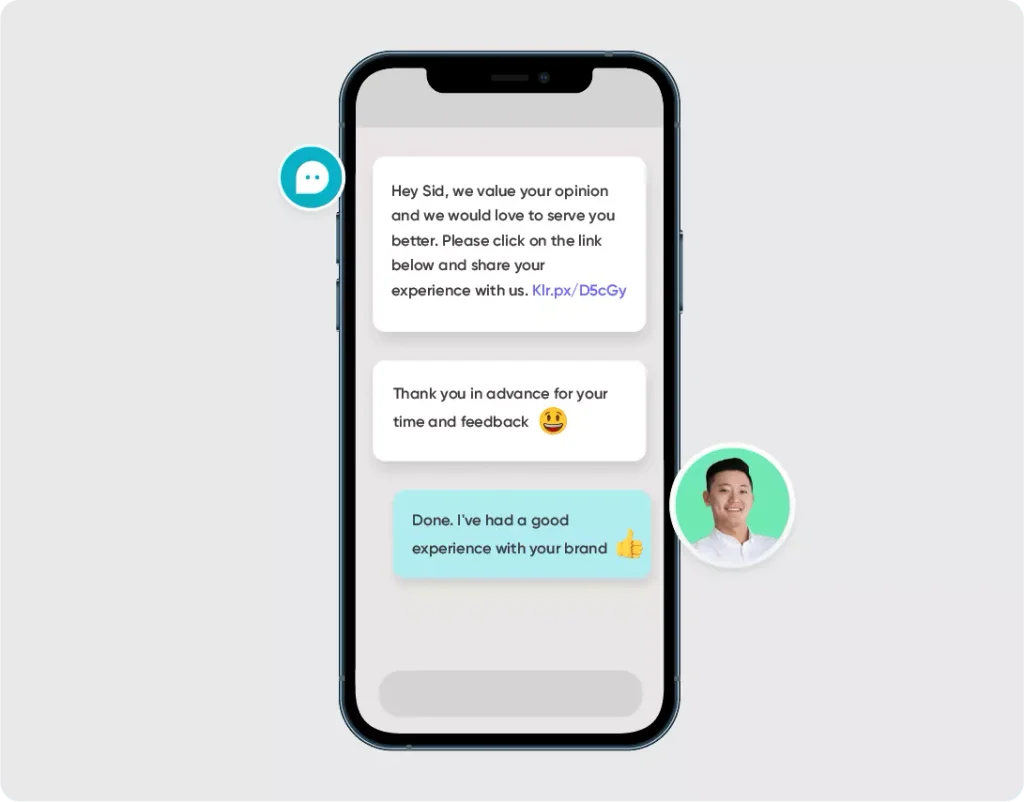
| Trigger | Service completed |
| Action | Ask for feedback |
| Goal | Collect feedback and reviews then use reviews where appropriate |
Keep feedback messages short and encourage customers to give reviews.
8. Upselling and Cross-selling
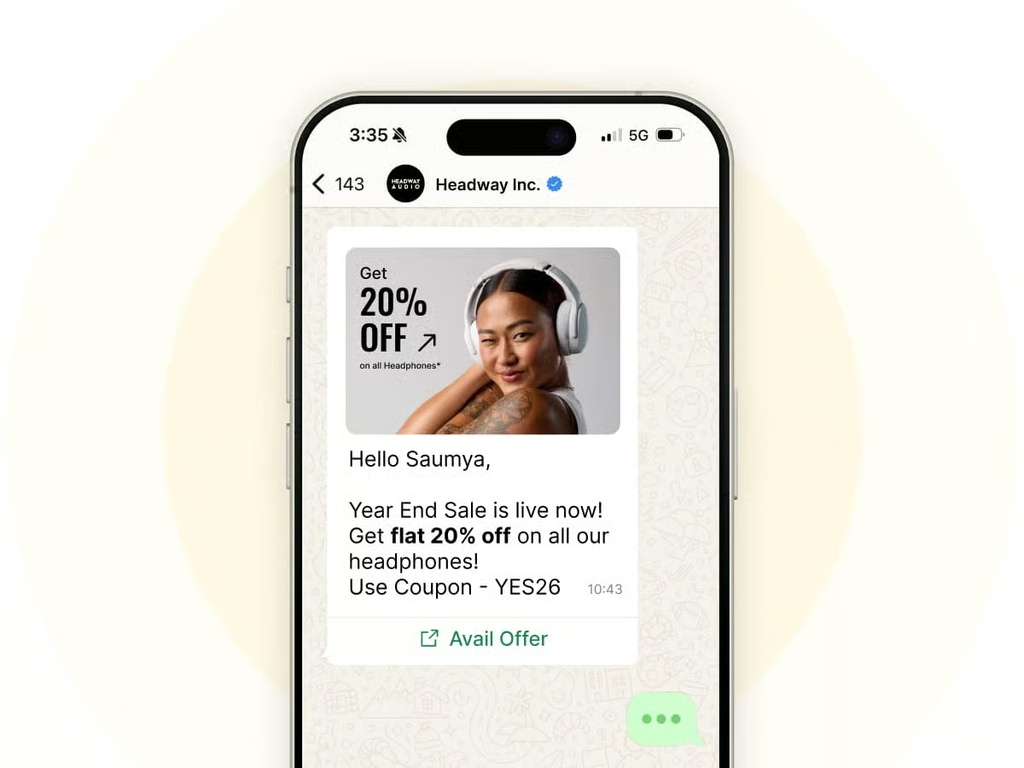
When your client makes one purchase, the automated system can suggest accordingly the related product. The suggestion has to be directly related to the previous action of the customer instead of being another random advertisement.
How to Set Up WhatsApp Marketing Automation
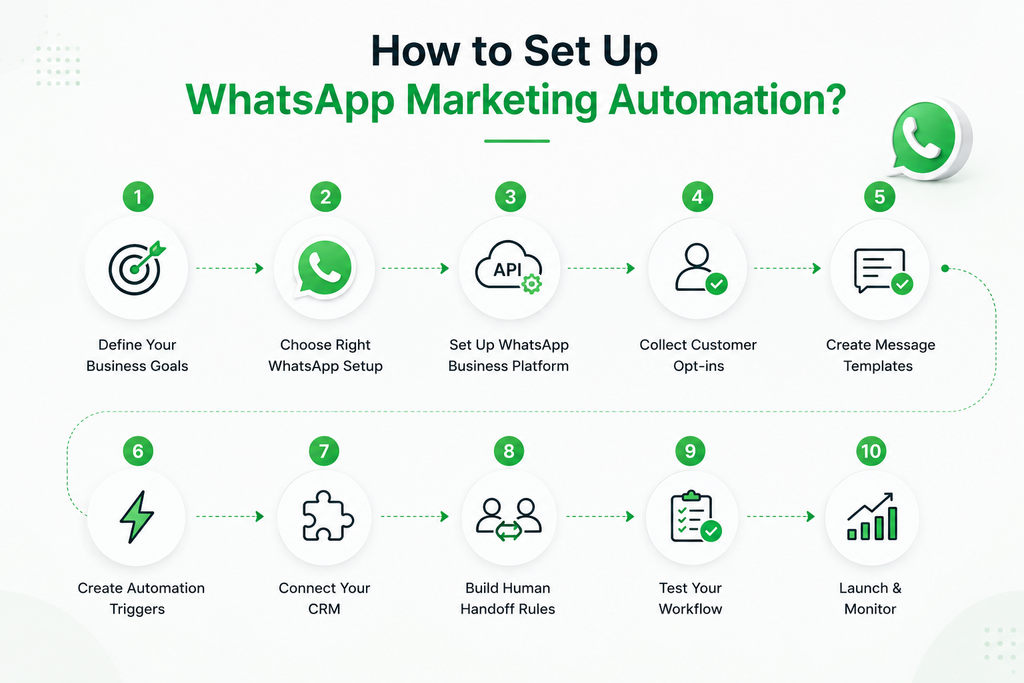
Step 1: Define Your Business Goals
First you need to understand what you want automation to achieve. Your goals may include:
- Generate leads
- Respond to inquiries faster
- Reduce repetitive support work
- Recover abandoned carts
- Schedule appointments
- Increase repeat purchases
- Improve follow-up consistency
Your goal decides which workflows you build first.
Step 2: Choose Right WhatsApp Setup
Now you need to decide, WhatsApp Business app is sufficient or if WhatsApp Business platform is appropriate for you. Choose platform based on your team size and conversation volume, as covered earlier in this guide.
Step 3: Set up WhatsApp Business Platform
To have advanced automation, you will need:
- A business setup
- WhatsApp Business Account
- Business phone number
- Platform/API access
- Automation or CRM solution
- Any message templates that are required
The Cloud API which is hosted by Meta, allows programmatic access to businesses that are implementing WhatsApp messaging in their systems.
You do not have to develop the entire system from the beginning. Rather, businesses can choose from technology providers who could give them interfaces for generating workflows, managing communication, and connecting the WhatsApp system with CRM systems.
Step 4: Collect Customer Opt-ins
This step is very important. WhatsApp states that companies can only send messages to customers who have agreed to receive them beforehand. WhatsApp requires companies to collect opt-ins via online forms, advertisements or through signing up in physical shops.
Step 5: Create Message Templates
Business messages sent via WhatsApp Business Platform usually adhere to pre-approved message templates. Templates can have various functions:
- Marketing
- Utility
- Authentication
Meta has provided many different examples of marketing, authentication and utility templates through its API. Please remember that templates should not be generic promotional messages but rather provide specific and useful information.
Step 6: Create Automation Triggers
Now you need to identify events that should start your process. Common triggers include:
- Form submission
- Meta ad interaction
- New lead
- Purchase
- Cart abandonment
- Appointment booking
- Customer reply
- CRM status change
- Subscription event
For every trigger, decide what should happen next.
Step 7: Connect Your CRM
Link WhatsApp to your CRM so every conversation, qualification answer and status update lands in the same customer record your sales and support teams already use.
Step 8: Build Human Handoff Rules
Determine when to stop using automation. For example:
- If customer clicks on “Speak with specialist,” then assign the task to human agent
- If the chatbot receives question that cannot be responded to then assign the question to human agent
- If the lead goes through the stages of high-intent transaction then inform the employee
This way your customers will not feel stuck in loop of endless chatbot exchanges.
Step 9: Test Your Workflow
Before launching, test every part of workflow such as:
- Triggers
- Message timing
- Personalization variables
- Links
- Buttons
- Templates
- CRM updates
- Agent assignment
- Duplicate messages
- Error handling
- Fallback messages
Check workflow yourself multiple times because small mistake in trigger can result in wrong message being sent to customer.
Step 10: Launch and Monitor
After launch, you need to track every useful metric to track performance. It includes:
- Messages delivered
- Replies
- Qualified leads
- Lead-to-sale conversion
- Appointment bookings
- Cart recovery
- Support resolution
- Human handoffs
- Opt-outs
- Block/report signals
- Cost per converted customer
Do not rely on data from sending messages only. Figure out how much output is produced from automation messages.
Conclusion
WhatsApp marketing automation works best for you when you start with clear business goal. If you face problem with missing leads then you need to follow this workflow:
Lead generation → instant response → qualification → sales handoff
When this workflow works for you then you can expand it into:
Follow-ups → customer support → appointment reminders → abandoned-cart recovery → retention
The main goal is to eliminate repetitive work and keep important conversations human. Prior to selecting software you need to:
- Analyze your existing customer journey.
- Identify the points at which customers fall off, where the staff answers the same questions over and again
- Where customers have to wait for updates to come in. So you can automate the corresponding stages.
For many small businesses, the best first workflow is not the most sophisticated one. It’s the one that helps to tackle repeated issues and generate measurable results.
FAQs
How much does WhatsApp automation cost?
WhatsApp automation prices change over time so when you prepare your budget for WhatsApp automation, do not rely on old fixed WhatsApp API pricing. The total cost can include WhatsApp message charges, WhatsApp automation platform, CRM cost, and development fees.
What is WhatsApp Business API?
The WhatsApp Business API is functional interface that makes it possible for business applications to interact via WhatsApp. This API is able to link WhatsApp with CRM systems, customer support software, automation systems and other backend systems. Cloud API from Meta is the cloud version of the API for all business integrations done by companies.
How can I automate my WhatsApp Business messages for free?
If you have basic needs, you can opt for WhatsApp Business’s readily available tools like automatic greeting messages. For the purpose of advanced automation, however, you normally require the utilization of WhatsApp Business Platform which is essentially a particular automation platform and if needed with approved templates.
How to use WhatsApp Business for marketing?
Utilizing WhatsApp Business can prove fruitful for marketing business through establishment of commercial account, formulation of permission based client list, sending relevant updates about possible products and services, making the use of catalogs or other promotional means, and addressing inquiries. The WhatsApp Business application will be enough in case of simple marketing schemes. Other businesses that want to set up automated campaigns, perform lead qualification, integrate the customer relationship management system, or create sophisticated customer journeys should take advantage of the WhatsApp Business Platform.
